Imagine having a brainstorming partner always ready to spark new ideas when you’re stuck. That’s what AI for creative projects can do for you. Whether you’re a student designing a poster, a young professional sketching your next campaign, or someone wanting to reimagine a creative hobby—this blog gives you practical steps, real examples, and smart strategies to use AI to fuel your creative work.
We’ll explore 10 methods, compare tools, weigh pros and cons, and help you apply AI in your next creative idea right away. Many people are using AI for art and design.
Why Use AI for Creative Projects?
Before diving into techniques, let’s understand why it is a game-changer. Using AI for art and design unlocks a world of AI creative ideas, inspiring artists and designers to push boundaries and explore new possibilities.
- Idea acceleration: Instead of waiting for “inspiration,” AI can spark dozens of concept prompts in seconds.
- Cross-medium support: You can generate visuals, music, prose, video, etc., within one workflow.
- Iterative creativity: AI helps you rethink and remix ideas rapidly rather than starting from scratch each time.
- Lower barrier to entry: You don’t need advanced skills in art or code—AI tools can handle many mechanics.
For instance, a student working on a presentation can use AI visuals, AI-generated slogans, or even background music to elevate the project.
Note: If you’ve read my prior articles like “AI Tools for Creative Projects” or “AI for Group Projects,” you’ll see this creative angle complements those—this post bridges creativity with productivity.
10 Ways to Use AI for Creative Projects
Here are 10 actionable methods. You can mix and match depending on your goal.
1. Prompt-based concept sketches (Image Generation)
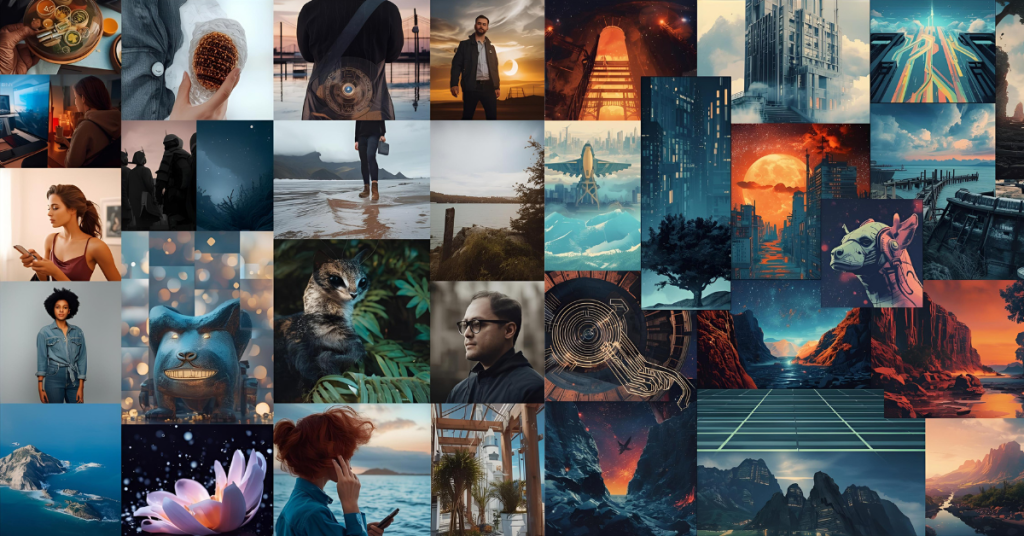
Use tools like DALL·E, Midjourney, or Canva’s AI image features to turn text prompts into visuals.
Example: You’re designing a poster about environmental awareness. You write:
“A surreal forest with glowing trees, hands rising from the soil, minimal style” The AI returns multiple draft visuals. You pick one, tweak it, or re-prompt. That becomes the base you iterate with.
2. AI remixing of your sketches / drafts
Upload your own draft images, then ask AI to remix (vary style, color palette, composition). This is ideal when you have a starting point but want fresh spins on your original idea.
3. Text-to-music / mood tracks
Want a background track for your video or presentation? Tools like Mubert or Soundraw let you input moods (“calm, hopeful, cinematic”) and generate unique music. You can integrate that in your creative presentation or short video without worrying about copyright strikes.
4. Story / script ideation
Use GPT-based tools (ChatGPT, Claude, etc.) to brainstorm narrative arcs, characters, dialogue, or story beats for short films, scripts, or comics.
Example prompt:
“Suggest five short story plots about time travel and loss, each convertible to a 3-panel comic.” You’ll get outlines you can choose from and expand.
5. Creative writing / poetry fusion
Ask AI to produce poetic lines, metaphors, or short free verses based on your theme. Use those lines in posters, captions, or multimedia pieces to add depth to your visuals.
6. Video generation + AI Editing
Video projects used to require heavy software, but AI has changed that. Tools like FlexClip allow you to turn text prompts directly into video.
It is perfect for creative projects because it combines AI text-to-video, automatic subtitles, and a drag-and-drop editor in one place. You don’t need complex editing skills—just type your script, and the AI builds the scene with stock footage and voiceovers instantly.
7. Interactive media / micro-games
Use generative AI to scaffold interactive web-based creative projects. For example, you can generate branching narratives or procedural visuals with AI assisting behind the scenes to create simple text-based games.
8. Branding / identity concepts
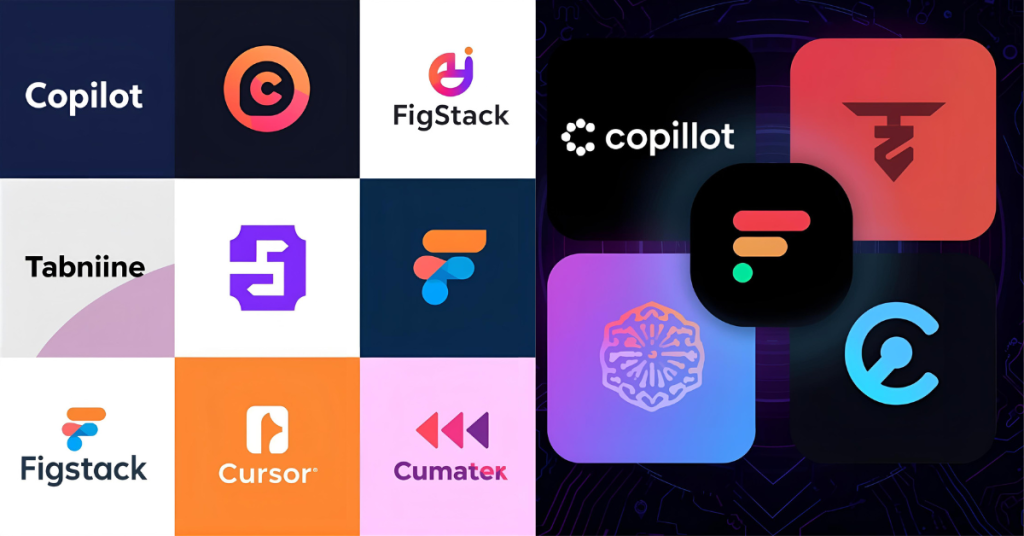
If you’re designing a logo, brand visuals, or a style guide, feed AI prompts about tone (“friendly, geometric, educational”) and get multiple logo proposals, color palettes, and font pairings to choose from.
9. Mixed-media collage / multimedia art
Combine AI-generated visuals, your own photos, AI music, and AI text to build a multimedia collage or digital art piece. Let AI help you with alignment, coordinate palette, or transitions.
10. Co-creative workflows (“AI + human loop”)
You act as a curator: generate many AI versions, pick the best, then refine manually. Over time, your taste trains the AI prompts. This hybrid loop often yields results better than purely manual or purely automated work.
Why 2025 is the Year of AI Creativity
In 2025, using AI for creative projects isn’t just a tech trend — it’s the smartest way to turn imagination into reality. Whether you’re a student, designer, or young creator, AI creative ideas can help you brainstorm visuals, scripts, and original concepts in seconds.
Many people are already using AI for art and design, experimenting with prompts to craft posters, reels, or digital stories. With the rise of AI tools for creative projects like FlexClip, DALL·E, and Canva Magic Studio, anyone can achieve professional-quality results without advanced design skills.

This innovation is especially valuable for classrooms. Students use generative AI for students to finish assignments faster, build digital portfolios, and explore creative problem-solving.
By exploring AI for creative projects ideas, students and professionals unlock new workflows where inspiration meets efficiency. A single idea can grow into a beautiful visual or campaign, proving how powerful human imagination becomes when paired with artificial intelligence.
Which Tools to Use (and When)
| Task | Recommended AI Tool(s) | Why / Tip |
|---|---|---|
| Image generation | DALL·E, Midjourney, Stable Diffusion, Canva Magic Studio | Quick prototyping, style experiments |
| Audio / music | Mubert, Jukebox, Soundraw | Auto-mood music, soundscapes |
| Writing / ideation | ChatGPT, Claude | Brainstorm ideas, prompts, narrative |
| Video Editing | FlexClip | Best for AI text-to-video & auto subtitles |
| Branding / design | Canva, Kittl | AI-assisted logo / style creation Wikipedia |
You don’t need to master all—pick 2–3 that align with your creative medium (visual, audio, narrative) and start experimenting.
Benefits & Common Challenges
Benefits:
- Speed: You accelerate ideation and iteration cycles.
- Diversity: AI exposes you to visual or conceptual styles outside your usual comfort zone.
- Accessibility: Even non-designers or non-musicians can achieve polished creative results using tools like FlexClip for video or Canva for design.
Challenges / Drawbacks:
- Generic outputs: Sometimes AI gives clichés or predictable styles.
- Overreliance risk: If you always let AI lead, your own creative muscle may atrophy.
- Quality consistency: Not all outputs will be usable—there’s noise.
A balanced approach is: Use AI to amplify your ideas but always filter, refine, and apply your own judgment
Examples (Mini Case Studies)
Student Poster Project
A student needed to design a poster about climate action. They fed “dramatic tree roots, water droplets forming a face, minimal typography” into an AI image tool. They got 6 mockups, chose the 2nd, remixed color, then added an AI-written tagline:
“When Earth Speaks, Will You Listen?”
Result: A visually striking poster that earned high marks and stood out.
Short Video for Social Media
A young creator used a prompt to generate a 10-second nature montage (leaves, sunset). They layered AI-generated ambient music and added AI-produced poetic captions. The result was shareable on Instagram reels and required minimal shooting.
How to Start (Step-by-Step)
- Define your creative goal (poster, short video, poem, branding, etc.).
- Craft a clear prompt (be specific about style, mood, colors).
- Generate multiple versions (don’t settle for the first).
- Select and remix (refine the best outputs).
- Add your personal touch (edit, overlay your own media, adjust).
- Iterate (ask AI to slightly vary or evolve your design).
- Finalize and publish/share
Over time, you’ll build a “prompt library” you can reuse and improve.
FAQs
Q1: Is using AI for creative projects “cheating”?
No. AI is a tool—like photoshop, camera filters, or virtual instruments. Using it doesn’t reduce your authorship. The creative decision, curation, and refinement remain yours.
Q2: Do I need coding or design skills?
No. Most generative tools are user-friendly, UI-based, or prompt-based. You don’t need coding unless you’re building custom AI systems.
Q3: Are AI outputs copyrighted?
It depends on the tool’s license. Some tools allow unlimited personal/commercial use, others restrict it. Always review the terms. If in doubt, treat AI outputs like raw drafts you refine.
Q4: How do I avoid generic or cliché results?
Use more specific prompts (styles, colors, emotions). Combine modalities (e.g. generate text + image, then merge). Use the AI + human loop.
Q5: What’s the cost? Can students access these tools affordably?
Many tools offer free or student-tier plans. You often don’t need the premium version until scale or higher resolution.
Related Posts:
Using AI for creative projects can make brainstorming faster and more enjoyable. For instance, when students explore tools from our guide on AI Tools for Learning Programming Faster, they realize similar techniques work for creative projects too — AI can help them turn ideas into visuals or code snippets.
In collaborative settings, AI for creative projects also mirrors teamwork benefits we discussed in AI for Group Projects. You can share prompts, remix visuals, and co-create with classmates seamlessly.
Even educators exploring the Future of AI in Education can adapt these AI creative project ideas to help students develop design thinking. And if you’re curious about what happens when AI crosses the line into over-automation, check our post on AI Cheating in Education — it’s a good reminder that human creativity must stay at the center.
For lighter inspiration, check out our list of Fun AI Websites for Students — many of them are perfect starting points for AI for creative projects you can build this weekend.
Conclusion & CTA
Creative work isn’t a fixed talent—it’s a process. And now with AI for creative projects, you have a tool that augments your imagination, fast-tracks ideation, and helps you explore versions you might never have thought of on your own. Follow the 10 methods above, pick a medium you enjoy (visual, audio, narrative), and dive in. Over time, you’ll build your own prompt style, discover which AI tools suit you best, and combine AI + human insight for unique results.
Would you be ready to try? You can pick one idea above, experiment for 30 minutes, then iterate. And if you enjoyed reading this blog and want more daily AI tips and productivity hacks, follow me on Instagram (@galyxai) and Twitter (@X). I regularly share practical strategies to help students and young professionals save time and get more done every day.